
The CRM Setup Checklist for Growing Businesses

Deepak SahadevanDeepak SahadevanAugust 20, 20265 min read
The CRM Setup Checklist for Growing Businesses

Key takeaways

  • Map your real sales steps before touching any settings.
  • Connect every lead source into one inbox.
  • Build a simple pipeline, five or six stages.
  • Automate follow-ups, this is where the sales are.
  • Go live simple, then refine.

A CRM only works if it is set up around how you actually sell. Skip that and it becomes an expensive address book nobody updates. Here is a simple checklist to set yours up right the first time, no IT team required.

What should you do before setting up a CRM?

Get clear on your sales steps first. Write down how a lead becomes a customer, from first enquiry to won. That simple map becomes your pipeline. Setting up a CRM without knowing your own steps is the number one reason CRMs go unused.

Step one, connect all your lead sources.

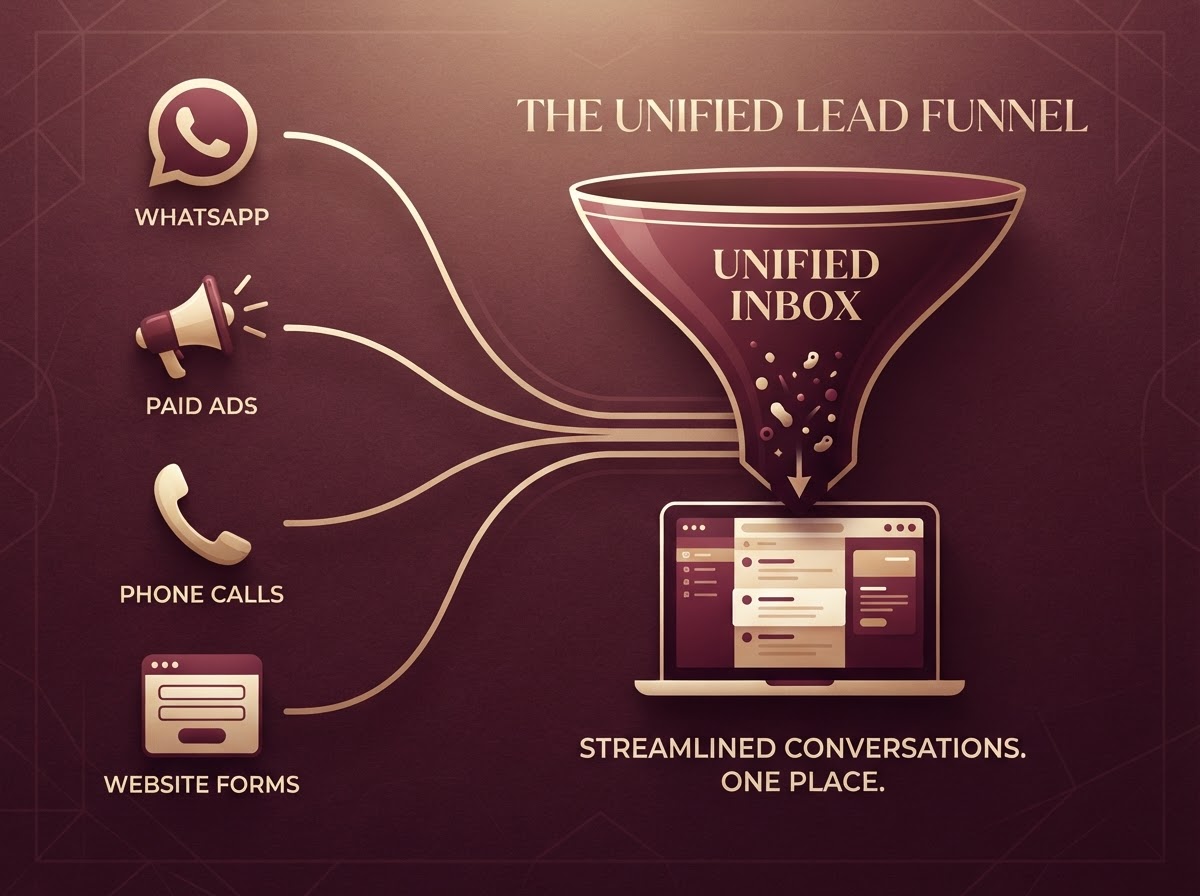
Bring every channel into one place: WhatsApp, ads, calls, your website and any forms. When every lead lands in one inbox, nothing gets missed and you finally see the full picture. Good lead management starts here.

Step two, build your pipeline.

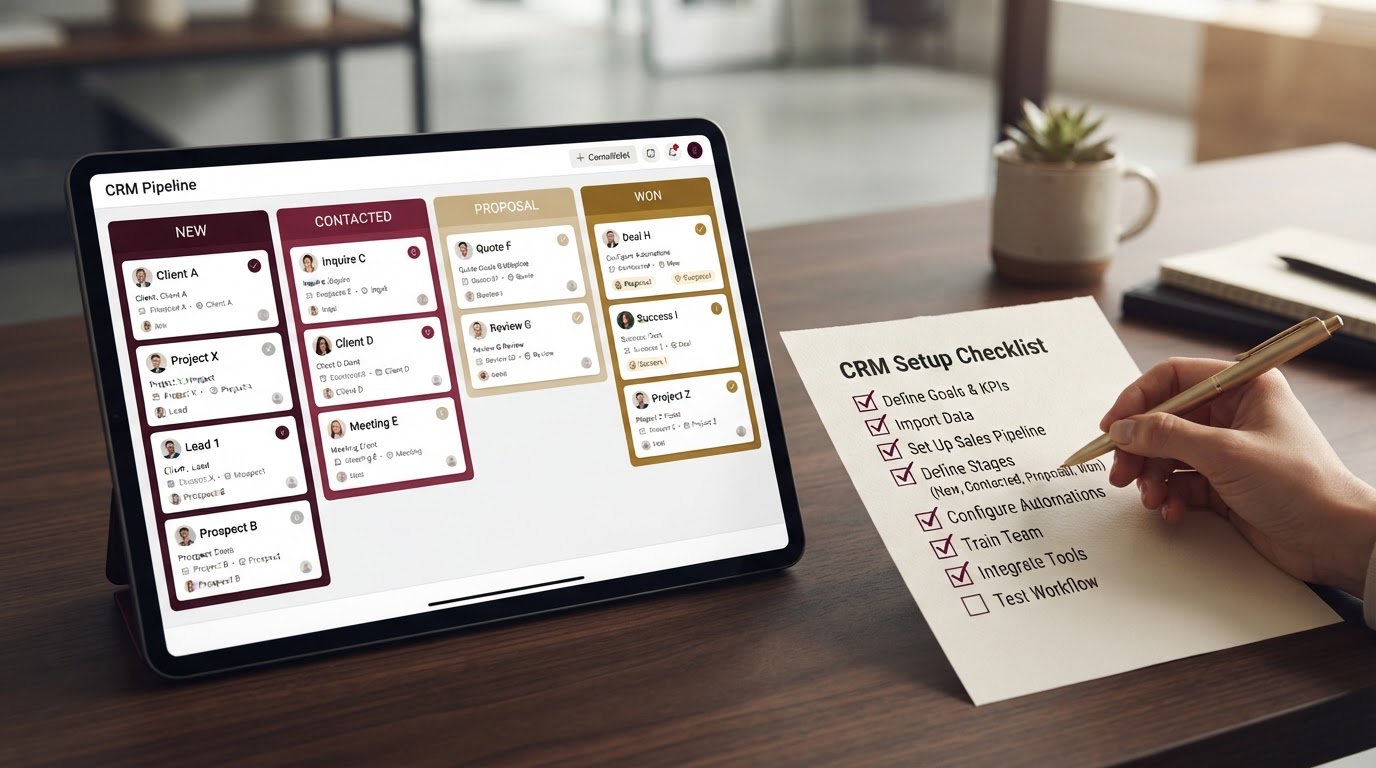
Turn your sales steps into pipeline stages (for example New, Contacted, Proposal, Won). Keep it simple, five or six stages is plenty. A clear sales pipeline shows exactly where every deal is and what needs attention today.

Connect every channel into one inbox so no lead is missed.

Step three, set up automatic follow-ups.

Decide what should happen at each stage, a welcome reply, a reminder, a nudge if a lead goes quiet, and let the CRM send it. This is the step most people skip, and the one that recovers the most sales.

A CRM you actually use beats a perfect one you never finish.

Step four, add your team and go live.

Invite your team, set who handles what (round robin or by type), and start using it for real. Do not wait for perfect. Launch simple, then refine as you go. A CRM you actually use beats a perfect one you never finish.

See Zyri answer and follow up on your own leads.

Explore small business CRM

A CRM is not a filing cabinet, it is a system that sells. Set it up around your real process, automate the follow-ups, and it starts paying for itself from week one. An all-in-one CRM for a growing business makes every step above a few clicks.

Want to see this in action? Book a demo.

Explore small business CRM

Common questions

Was this helpful?

Deepak Sahadevan
Deepak Sahadevan

Writer at Zyri

Deepak Sahadevan writes about AI, CRM and practical growth at Zyri, helping small and growing businesses do more with less.

Connect on LinkedIn
Share

Get practical growth tips in your inbox

Join the Zyri newsletter for practical AI and CRM tips, straight to your inbox.