DID YOU KNOW YOU CAN ROLL A WORKFLOW BACK TO ANY VERSION?
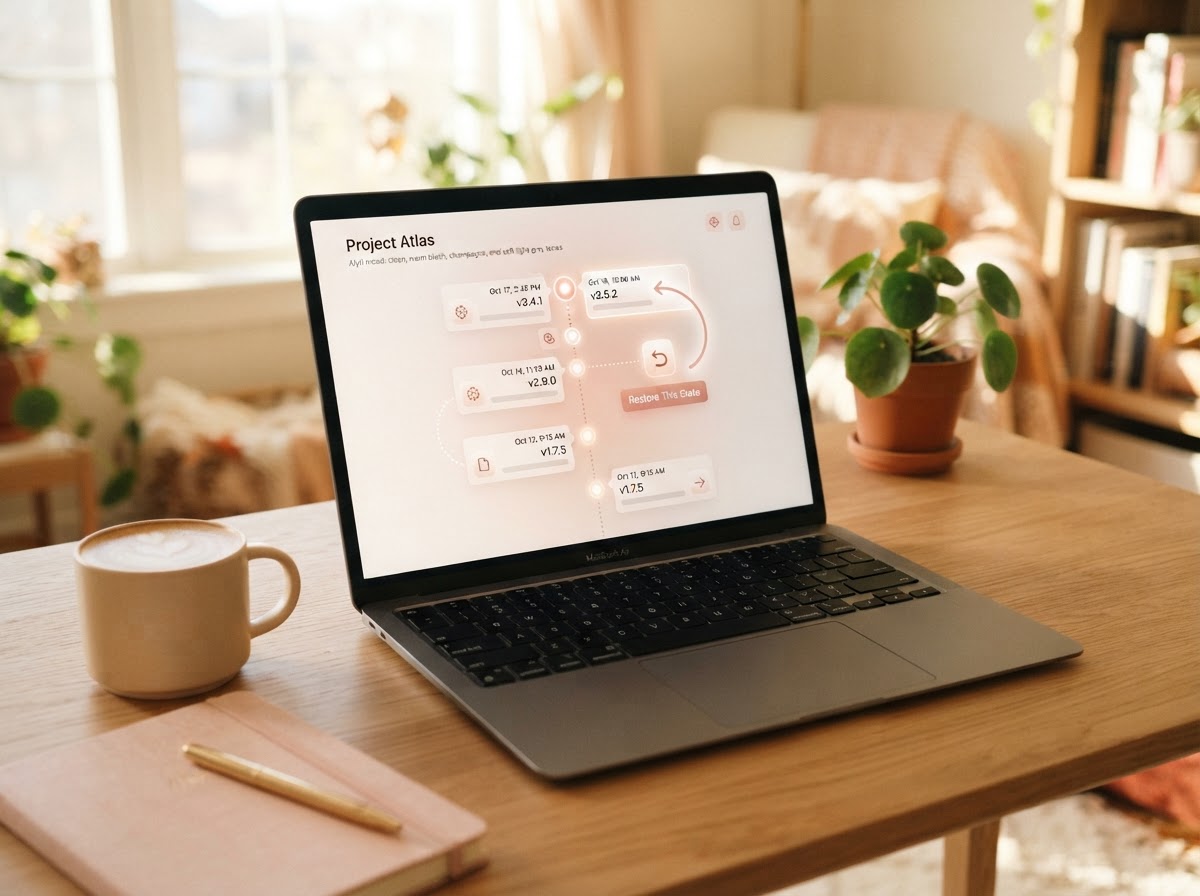
Did you know you can roll back a workflow to any previous version in Zyri?
 Zyri Team July 27, 2026
Everyone makes a change they regret. The difference is being able to take it back instantly. With version history, you can restore an earlier workflow in a couple of clicks, think of it as an undo button for your whole automation.
wrong edit
A single wrong change can break a live campaign. Version history means it never has to.
Why a safety net matters for automations
Workflows run quietly in the background, so a mistake can go unnoticed while it costs you leads. By the time you spot it, the damage is done and you are stuck trying to remember what you changed.
Rebuilding an automation from memory is slow and stressful. A safety net means you can experiment freely, knowing any change can be undone in seconds.
How it works, in three steps
Open the workflow's version history.
Every saved version is there.
Pick the version you want back.
From before the change.
Restore it in a couple of clicks.
Your workflow is back to normal.
See it in action
v1.2 (today)
the change you regret
v1.1 (yesterday)
working setup
v1.0 (last week)
original
Workflow snapped back to a working version.
Why it works so well
You get to move fast without fear. Try a new flow, tweak a message, change a trigger, and if it does not work, roll it back and carry on, no harm done.
For anyone running automations for clients or across branches, it is peace of mind. One mistake is never a disaster, it is just a quick restore away.
Perfect for
Made a mistake? Roll it back and carry on.
Zyri Team
The Zyri Team shares quick, practical ways to capture more leads and grow with less effort.
See this work on your own business, live.
Book a demoBuild automations with a safety net, in Zyri.
Experiment freely, knowing any change can be undone in seconds.
Common questions
Zyri Team
The Zyri Team shares quick, practical ways to capture more leads and grow with less effort.